How I Film My Walks | My Camera, Mic & Editing Gear Revealed!
If you’ve ever watched immersive walking videos and wondered how they’re created, the process is simpler than it looks.
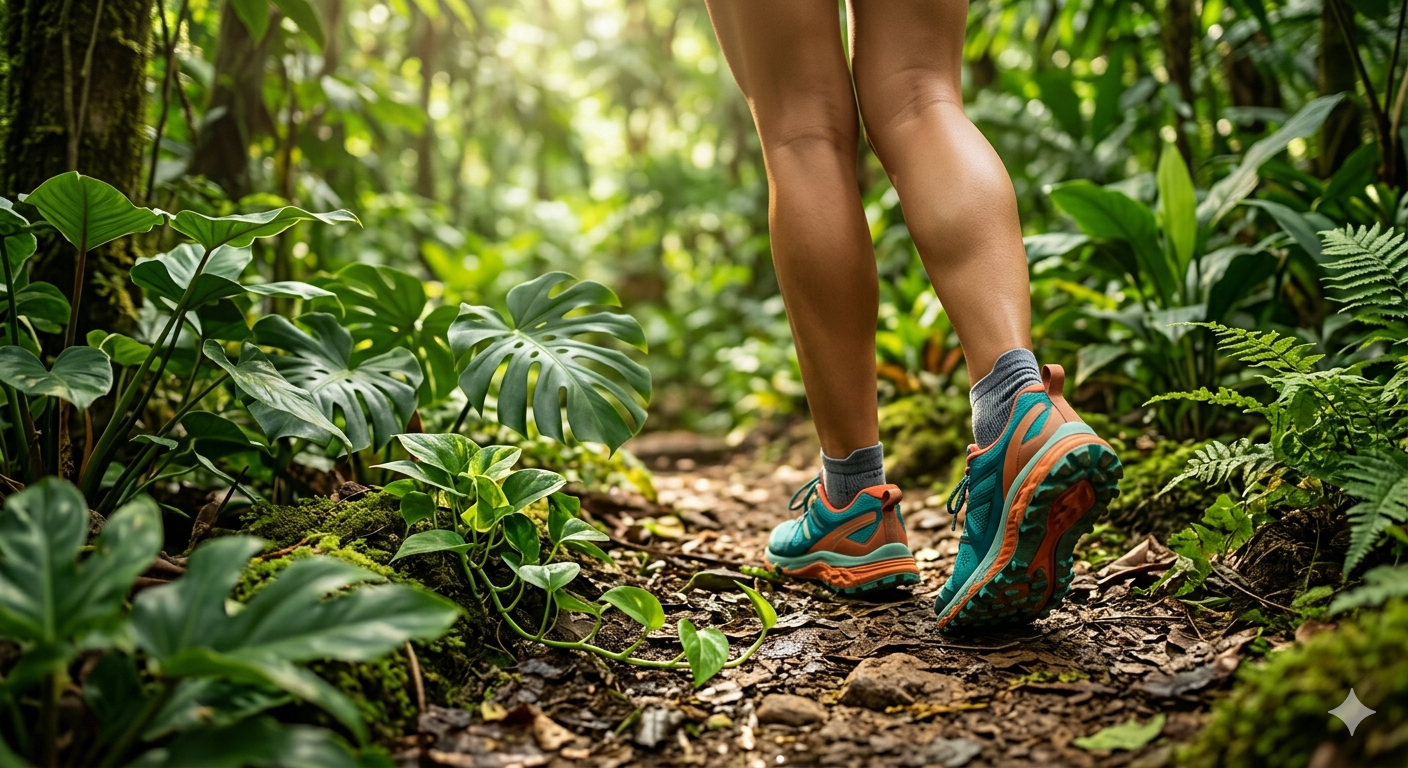
In this guide, I’ll break down the exact setup I use to film walking and hiking-style videos, including camera gear, microphone setup, and editing workflow. While this is based on my own workflow for Simply Hiking, the same approach can be used for treadmill walking videos, virtual hiking content, or POV walking footage.
The goal isn’t complicated filmmaking. It’s about capturing smooth, stable visuals and clean audio that makes the viewer feel like they are on the walk.
What Makes Immersive Walking Videos Work
Walking videos work because they simulate real movement through a space. Instead of traditional filming, the focus is on:
First-person perspective (POV)
Smooth motion and stabilisation
Natural sound or minimal distraction
A consistent walking pace (sometimes looking at trail features)
This combination helps create a feeling of presence, which is why these videos are often used for treadmill walking, virtual hiking, or indoor walking routines.
Camera Setup for Walking Videos
My Main Camera Choice
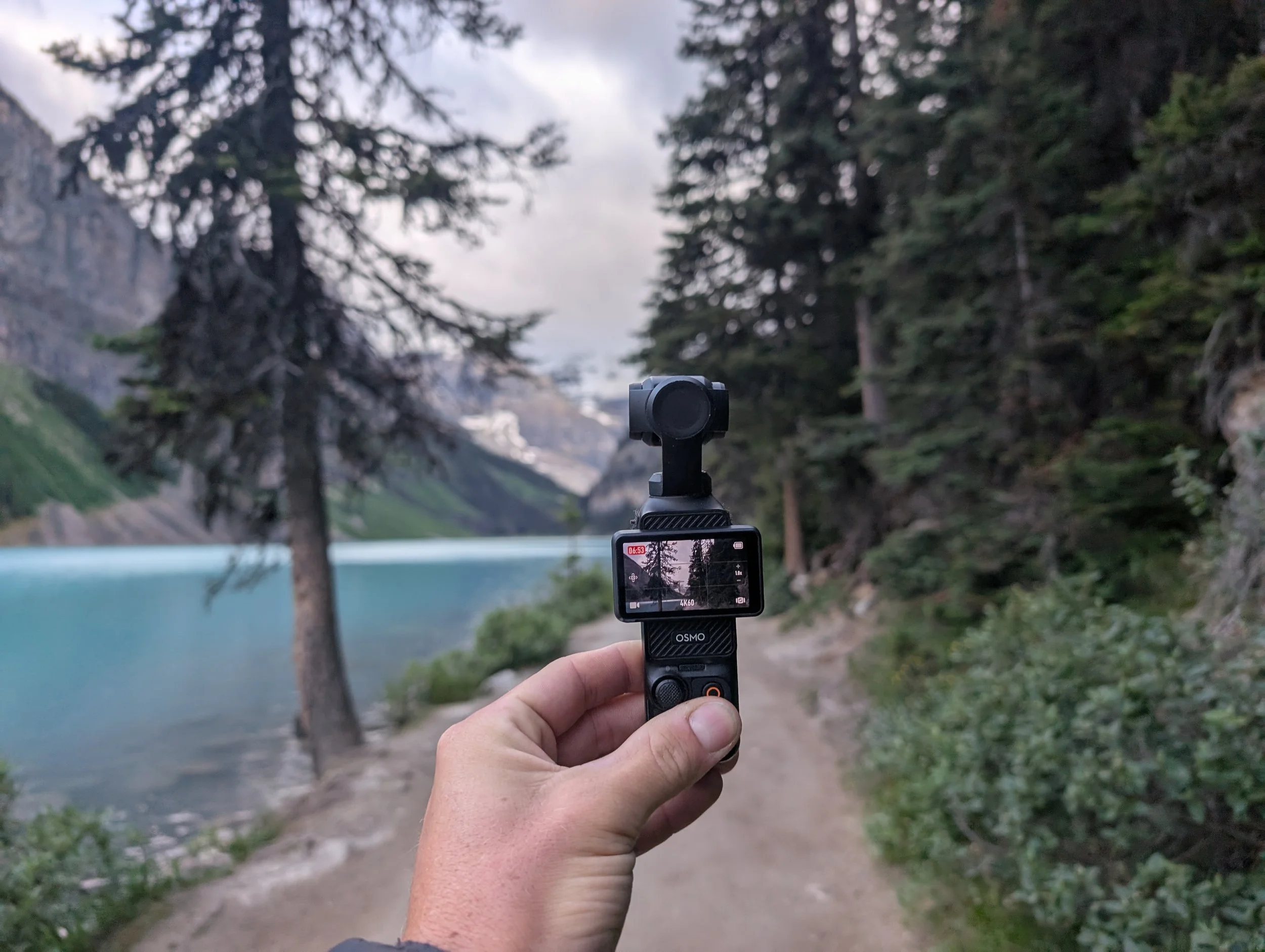
For most of my walking videos, I use the DJI Osmo Pocket 3. The reason is simple: it is compact, stabilised, and designed for movement.
It captures high-quality 4K footage while smoothing out natural hand motion, which is essential when filming while walking.
Its small size also means it doesn’t get in the way during long hikes or extended recording sessions.
Why Stabilisation Matters
When filming walking content, stability is more important than resolution.
Even slight shaking can break the immersive feel of the video. That’s why built-in stabilisation is one of the most important features to look for in a camera used for treadmill walking or outdoor hiking content.

Audio Setup for Natural Walking Sound
Capturing Realistic Ambient Sound
Audio plays a huge role in immersive walking videos. The goal is not background music or narration, but natural environmental sound.
For this, I use the RØDE VideoMic GO II, which helps capture:
Footsteps
Wind and ambient movement
Environmental detail like birds or water
This directional microphone helps isolate natural sound while still preserving the surrounding atmosphere.
When I Don’t Use External Audio Gear
In some cases, especially when travelling light, I rely on the camera’s built-in microphones. The DJI Osmo Pocket 3 performs well enough for casual recording when simplicity is more important than precision.

Editing Workflow for Walking Videos
Once filming is complete, the editing process focuses on keeping the experience smooth and immersive rather than heavily produced.
Editing Software
I use Adobe Premiere Pro for video editing and Adobe Photoshop for thumbnails.
These tools allow for:
Stabilising footage if needed
Adjusting colour for natural scenery enhancement
Balancing ambient sound levels
Trimming footage into continuous walking sequences
Keeping the Editing Simple
The key principle in editing walking videos is restraint.
Over-editing can break immersion. The best walking videos feel continuous, natural, and uninterrupted—almost like the viewer is physically there.
Why This Setup Works for Treadmill Walking Content
This setup isn’t just for outdoor hiking. It also translates well to:
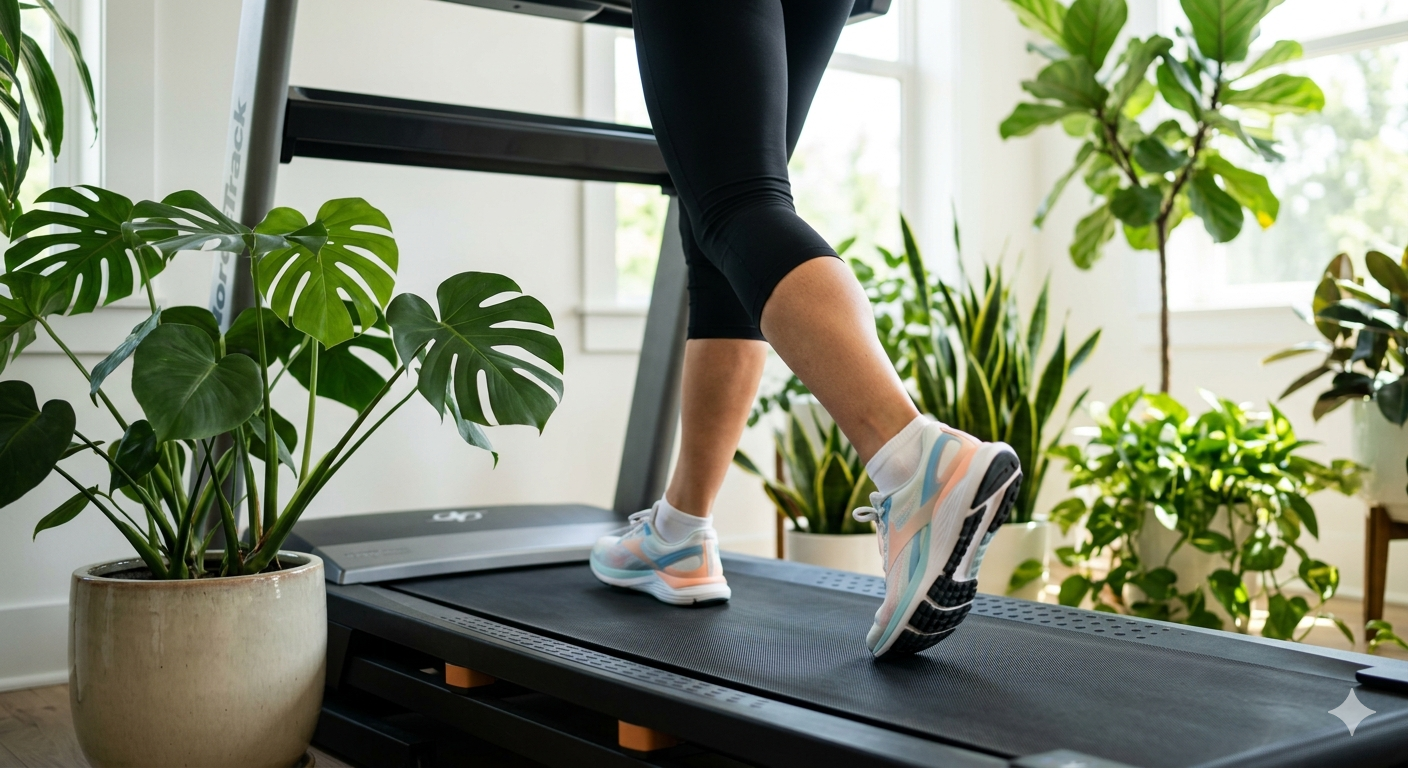
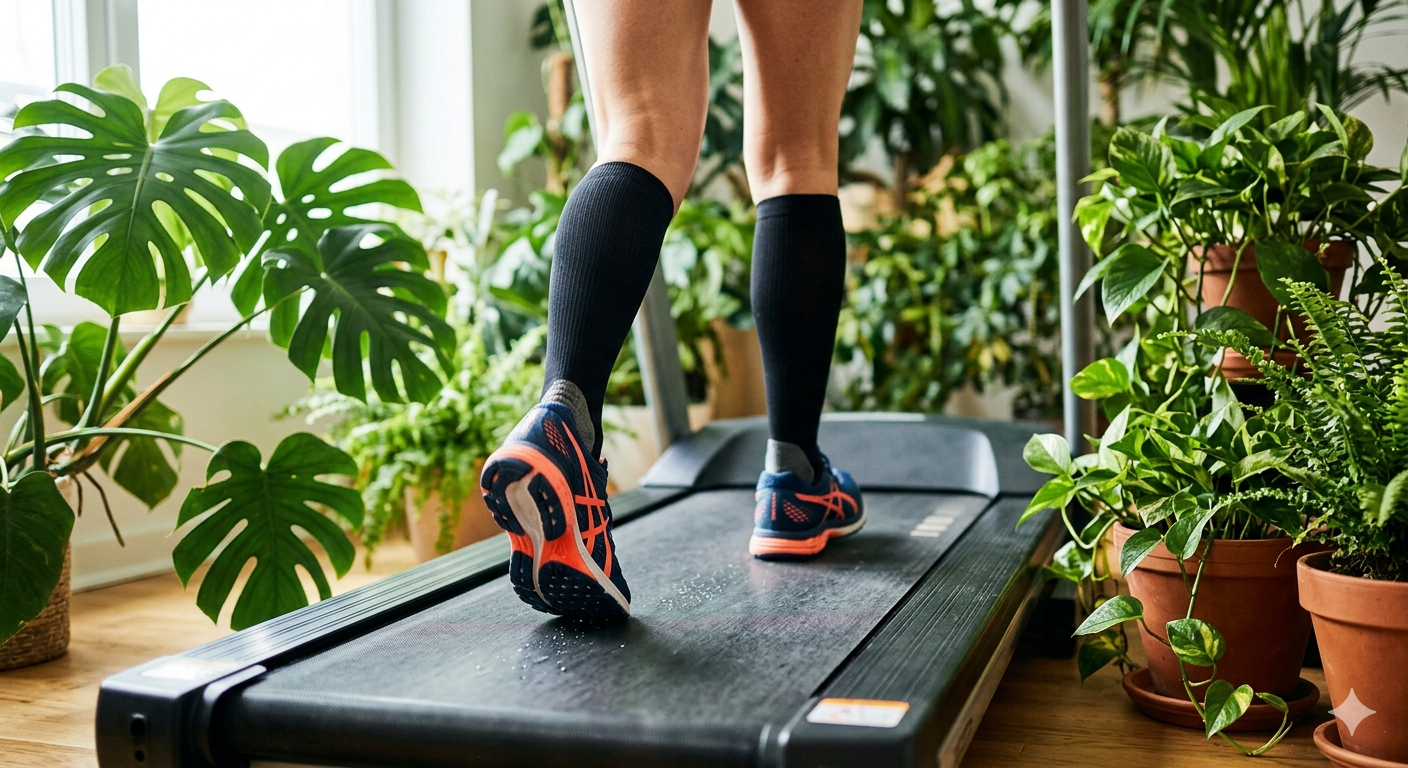
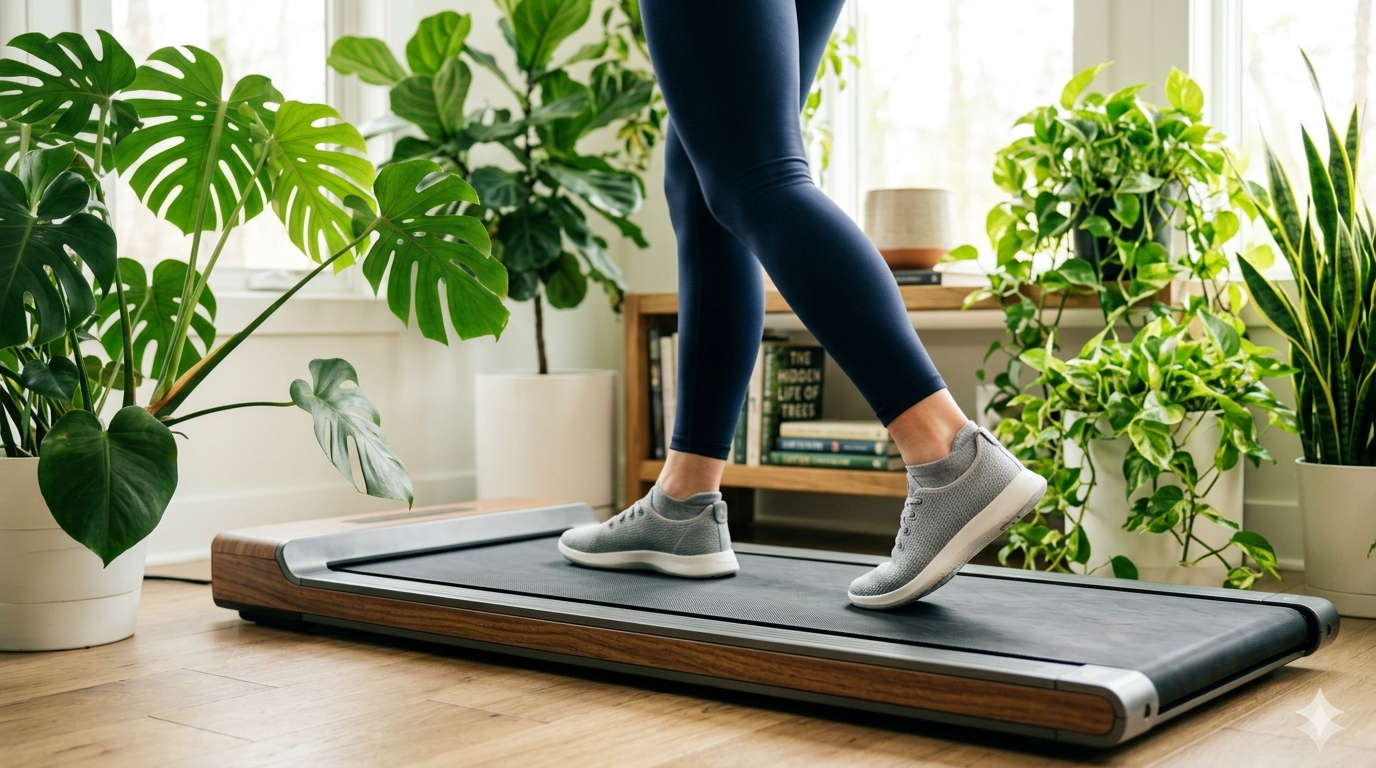
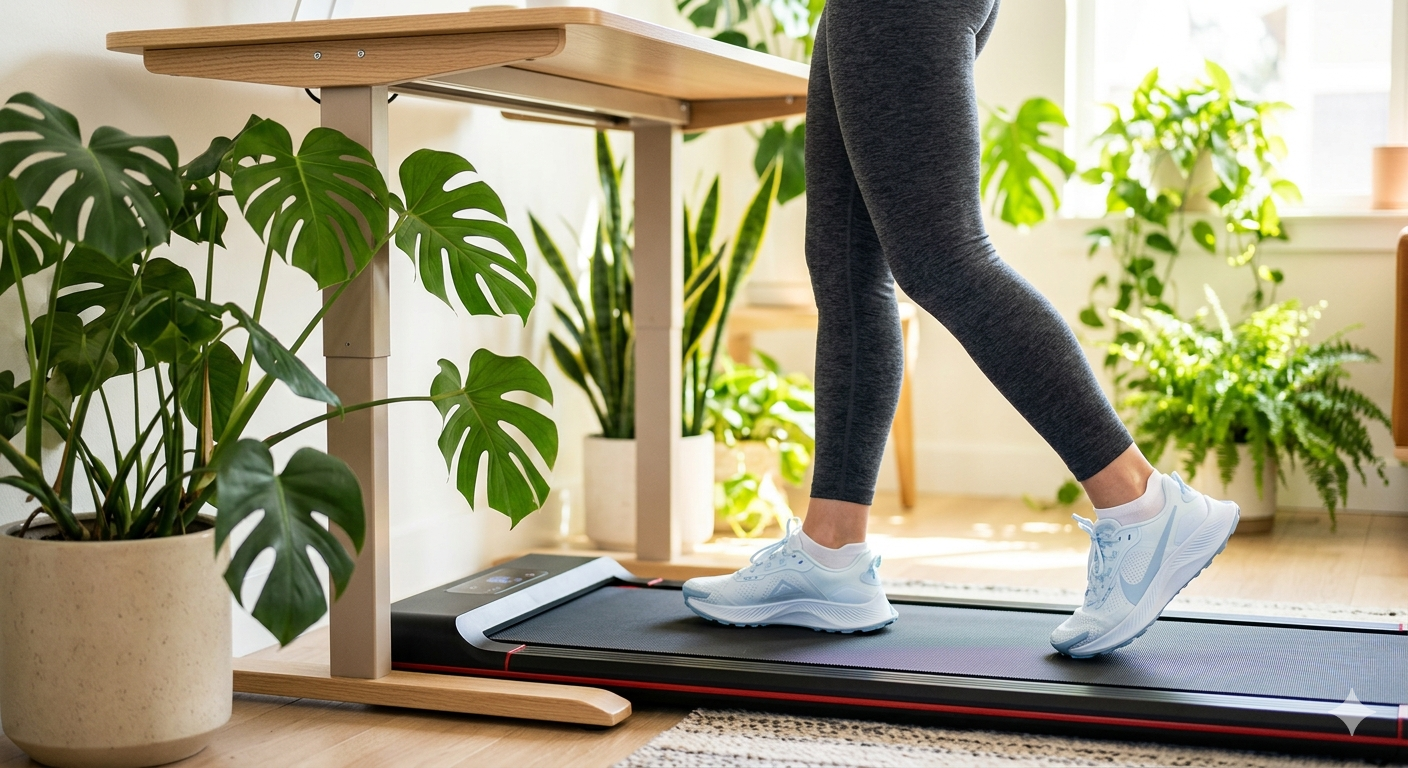
Treadmill walking videos
Virtual hiking experiences
Indoor walking routines
Because the focus is on smooth movement and immersive visuals, the same principles apply regardless of environment.
Simple Gear Breakdown
If you’re starting from scratch, a basic setup looks like this:
A stabilised 4K camera or smartphone
Optional external microphone for better audio
A gimbal if the camera isn’t already stabalised
Simple editing software (no advanced setup required, you can use free software)
You don’t need professional gear to get started—consistency matters more than complexity.
Related Guides
If you’re interested in treadmill walking, virtual hiking, or improving your indoor walking setup, you might also find these helpful:
Final Thoughts
Filming walking videos is less about advanced equipment and more about capturing movement in a clean, stable, and immersive way.
A simple camera setup, basic audio gear, and minimal editing are enough to create engaging walking content that feels natural and enjoyable to watch.
If you’re thinking about creating your own walking videos, start simple and focus on consistency. The setup can evolve over time.
This post may contain affiliate links. As an Amazon Associate, we may earn from qualifying purchases.
Video Example
You can view an example of my walking content here: